Best Ways to Contact MSD Fast: Your Ultimate Guide to Contact MSD NZ
Finding the most efficient way to contact MSD NZ is essential for New Zealanders seeking financial assistance, employment support, or community services. The Ministry of Social Development (MSD) manages a vast range of services including Work and Income, StudyLink, and Senior Services. Navigating these systems can be complex, but with the right strategy, you can minimize wait times and receive the support you need promptly. This guide provides an exhaustive breakdown of every communication channel available, expert tips for bypassing long queues, and technical advice for using digital self-service tools like MyMSD.
Table of Contents
- Understanding the Best Times to contact MSD NZ
- Using Digital Portals to contact MSD NZ
- Comprehensive MSD Phone Directory and Call Tactics
- Regional Service Centres and In-Person Appointments
- Specialized Support: StudyLink, Senior Services, and Disability
- Emergency and Hardship Assistance Channels
- How to Lodge Feedback or Formal Complaints
- Final Thoughts and Key Takeaways
Understanding the Best Times to contact MSD NZ
When you need to contact MSD NZ, timing is arguably the most significant factor in determining your experience. Data suggests that phone wait times fluctuate significantly based on the day of the week and the hour of the day. Generally, the early morning—specifically when lines open at 8:00 AM—is the optimal window. Mid-week days like Tuesday and Wednesday are often less congested than Mondays, where a backlog of weekend inquiries typically creates peak traffic.
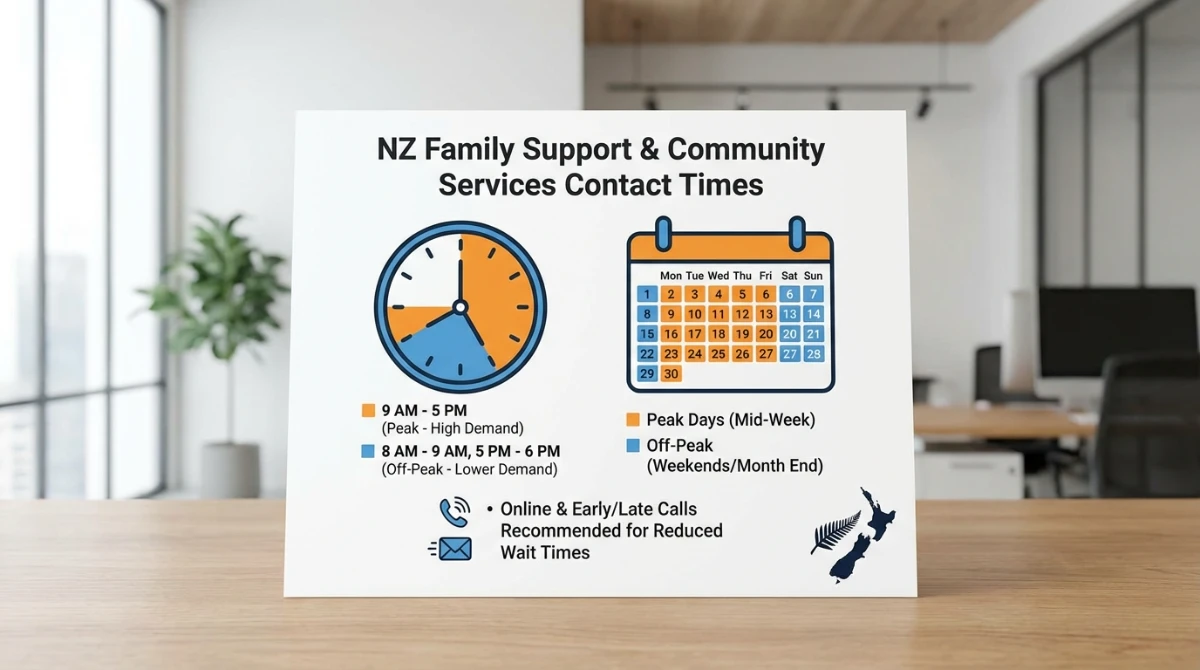
Avoid calling during the lunch hour (12:00 PM to 2:00 PM) as staffing levels may be lower during shift rotations. Furthermore, be aware of national public holidays and regional anniversary days, which will see the call centres closed. If you are dealing with seasonal applications, such as student allowance renewals in January or winter energy payment inquiries in May, expect higher volumes across all channels.
Using Digital Portals to contact MSD NZ
For most routine tasks, you do not need to speak to a representative. Digital self-service is the fastest way to contact MSD NZ for status updates. MyMSD is the primary secure online tool that allows users to manage their information without picking up a phone.
- Apply for assistance: Submit applications for Jobseeker Support, Accommodation Supplement, or Emergency Food Grants online.
- Book appointments: Schedule or change face-to-face meetings at your local service centre.
- Update details: Notify the ministry of changes in income, address, or relationship status instantly.
- Check payments: View upcoming payment dates and historical statements.
- Upload documents: Use your smartphone to take photos of bank statements or IDs and upload them directly to your file.
To access these services, you will require a RealMe login or an MSD-specific client number. RealMe provides an added layer of security, ensuring your personal data remains protected while interacting with government agencies. By utilizing MyMSD, you contribute to reducing the load on phone lines, which helps those with urgent or complex needs get through faster.
Comprehensive MSD Phone Directory and Call Tactics
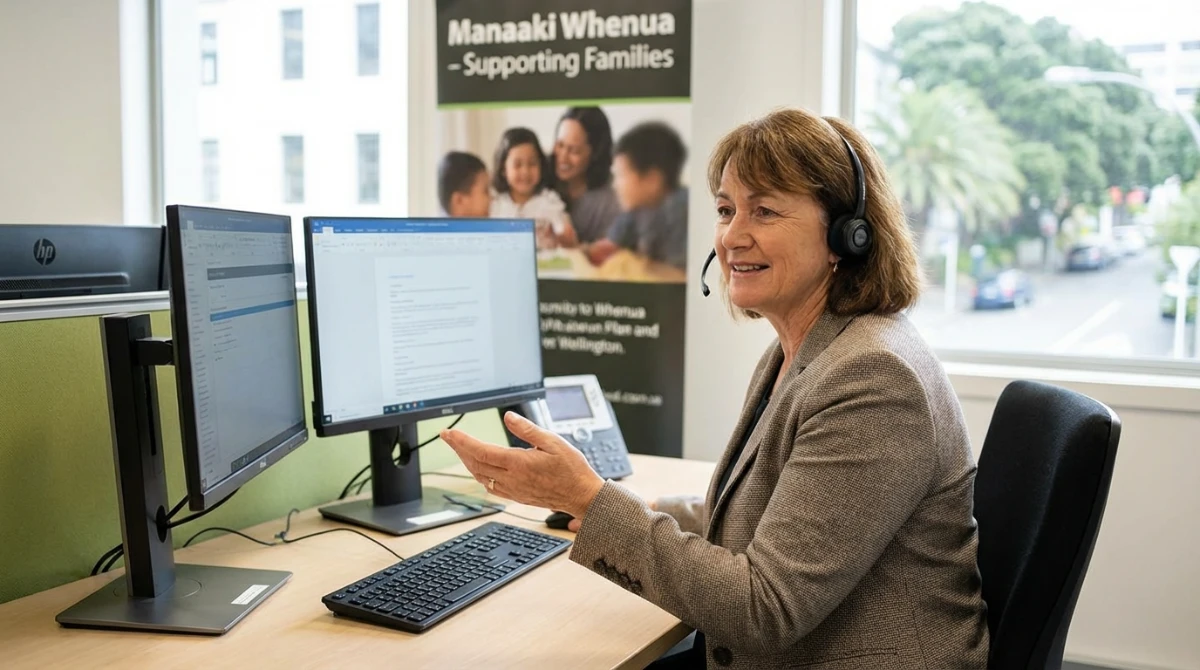
Despite the push for digital first, many situations require a direct conversation with a case manager. Knowing the specific 0800 number for your query is vital, as calling the general line and requesting a transfer often results in being placed at the back of a secondary queue.
Essential 0800 Contact Numbers
- General Work and Income: 0800 559 009 (For job seekers and general financial support).
- Senior Services: 0800 552 002 (For Superannuation and Veteran’s Pension inquiries).
- StudyLink: 0800 88 99 00 (For student loans and allowances).
- Disability Support: 0800 622 222 (For Supported Living Payments and disability allowances).
- Youth Service: 0800 226 695 (Tailored support for young people aged 16-24).
When you call, ensure you have your 9-digit client number ready. This number is found on any official correspondence from MSD. If the system offers a “call-back” service, it is highly recommended to accept it. This preserves your place in the queue without requiring you to stay on hold, and the system is generally very reliable at returning calls within the estimated timeframe.
Regional Service Centres and In-Person Appointments
For complex cases involving multiple family members or sensitive hardship issues, an in-person visit might be necessary. MSD operates hundreds of service centres across New Zealand, from Kaitaia to Invercargill. However, most branches now operate on an “appointment-preferred” basis.
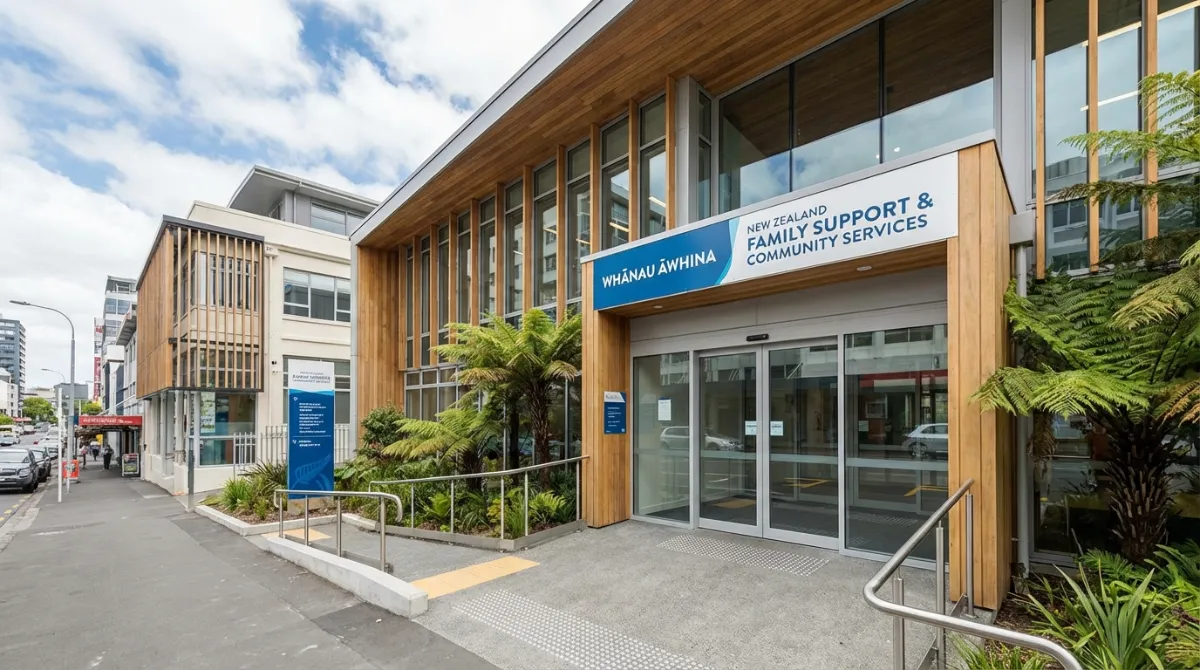
Walking into a branch without an appointment may result in a long wait or being asked to return at a later time. You can book an appointment via MyMSD or by calling the general inquiry line. When attending an appointment, bring physical copies of any required documentation, even if you have uploaded them digitally, to avoid any processing delays. Common documents include proof of identity (Passport or NZ Driver License), bank statements for the last three months, and proof of address.
Specialized Support: StudyLink, Senior Services, and Disability
MSD isn’t just for job seekers. It encompasses a wide array of social sectors. StudyLink is a critical branch for tertiary students. The best way to manage StudyLink is through the ‘MyStudyLink’ portal. If you need to call, avoid the weeks immediately preceding the start of Semester 1 (late February) as these are peak times.
Senior Services handles New Zealand Superannuation. This branch is known for having slightly shorter wait times but higher requirements for detailed history, especially regarding overseas pensions. If you are approaching 65, it is advised to contact them at least three months in advance to ensure your payments begin the week you become eligible.
For those with disabilities, the Supported Living Payment and Disability Allowance provide vital lifelines. These applications often require medical certificates from a registered GP. MSD provides a specific channel for health practitioners to submit these documents, which can speed up the approval process significantly.
Emergency and Hardship Assistance Channels
If you are in a situation where you cannot afford food, essential medical costs, or are facing eviction, you should flag your request as “Urgent.” MSD has provisions for emergency grants that can be processed within 24 hours in extreme cases.

The fastest way to request a food grant is via the MyMSD app. Most users can apply for up to two food grants within a six-month period entirely online without needing to speak to a person. If you require emergency housing, you must call 0800 559 009 or visit a service centre immediately, as these cases are prioritized by the triage team.
How to Lodge Feedback or Formal Complaints
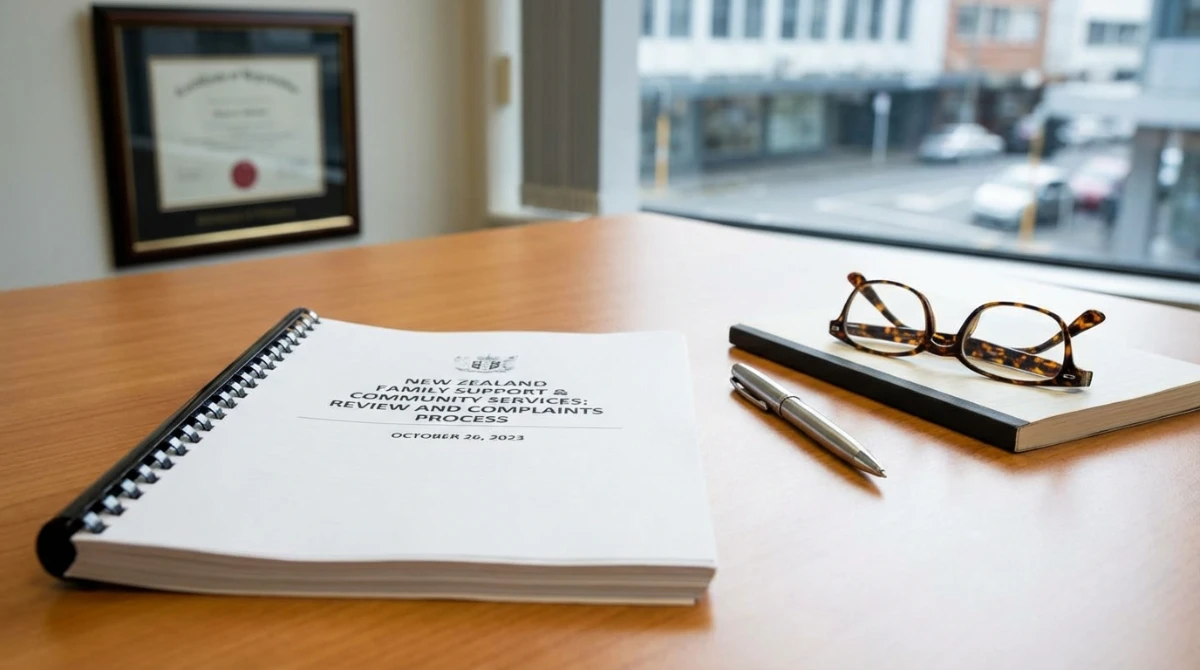
If you feel you have been treated unfairly or your case has been handled incorrectly, MSD has a formal review process. You have the right to request a “Review of Decision” if a benefit application is declined. This must be done within three months of the decision date.
- Step 1: Speak to a service centre manager or call the general line to see if the issue can be resolved informally.
- Step 2: Complete a ‘Review of Decision’ form available on the Work and Income website.
- Step 3: Your case will be heard by a Benefit Review Committee, which includes a community representative to ensure impartiality.
MSD also offers a dedicated line for reporting fraud. If you have information regarding the misuse of public funds, you can contact the Fraud Hotline anonymously. Maintaining the integrity of the welfare system ensures that resources remain available for those who truly need them.
Final Thoughts and Key Takeaways
Effectively managing your interactions with the Ministry of Social Development requires a proactive approach. By prioritizing digital channels like MyMSD and timing your phone calls strategically, you can navigate the New Zealand social support system with minimal stress. Remember that the staff are there to help, and being prepared with your client number and documentation is the best way to ensure a positive outcome.
Key Takeaways for Contacting MSD NZ
- Go Digital First: Use MyMSD for food grants, address changes, and payment checks.
- Time Your Calls: Tuesday mornings at 8:00 AM are generally the quietest times to call.
- Be Prepared: Always have your 9-digit client number and RealMe login details ready.
- Use Specific Lines: Call the dedicated 0800 numbers for Senior Services or StudyLink rather than the general line.
- Book Ahead: Don’t walk into a service centre without an appointment unless it is a dire emergency.