Best Parental Control Apps NZ: The Definitive 2024 Guide to Digital Safety
Finding the best parental control apps nz is a critical step for Kiwi parents navigating the complex digital landscape of modern childhood, ensuring that the benefits of the internet are balanced with safety and well-being. As our children spend more time on devices for education and socialization, the risks of cyberbullying, inappropriate content, and screen addiction become increasingly prevalent in New Zealand households. This guide provides an exhaustive analysis of the tools available to keep our tamariki safe online.

Why Selecting the Best Parental Control Apps NZ is Essential for Modern Families
In the last decade, the digital infrastructure of New Zealand has undergone a massive transformation. With the rollout of Ultra-Fast Broadband (UFB) reaching even remote corners of the North and South Islands, accessibility is no longer the issue; rather, the challenge lies in content management. The best parental control apps nz allow guardians to establish boundaries that are appropriate for the unique cultural and social context of Aotearoa.
Research indicates that Kiwi children are accessing the internet at younger ages than ever before. According to NetSafe NZ, a significant percentage of teenagers have encountered harmful content or experienced some form of digital distress. This makes the implementation of robust filtering and monitoring software not just a choice, but a necessity for responsible parenting in the 21st century.
The core objective of utilizing these apps is to foster a safe environment for exploration. By using top-rated software, parents can manage screen time, block adult content, and monitor social media interactions without being overbearing. The goal is to move from a culture of surveillance to a culture of safety and transparency.

Evaluating the Best Parental Control Apps NZ Against Local Privacy Standards
When choosing the best parental control apps nz, it is vital to consider how these platforms handle data and whether they comply with the New Zealand Privacy Act 2020. Kiwi parents are often concerned about where their children’s data is stored—whether it remains in local data centers or is transmitted to servers in the US or Europe.
High-quality apps prioritize encryption and user anonymity. When evaluating a service, look for features that specifically address the needs of the New Zealand market:
- Localized Web Filtering: Does the app recognize NZ-specific domains and local slang?
- Geofencing Accuracy: Does the GPS tracking work effectively with New Zealand’s unique topography and cellular network coverage (Spark, One NZ, 2degrees)?
- Currency and Support: Does the provider offer billing in NZD and customer support that is accessible during NZ standard time?
- Device Compatibility: Given the prevalence of both Android and iOS in NZ schools (BYOD programs), does the app offer seamless cross-platform management?
The efficacy of these apps is often measured by their ability to provide real-time alerts. For instance, if a child attempts to access a site flagged by the Department of Internal Affairs as prohibited, the best parental control apps nz will notify the parent instantly, allowing for an immediate educational conversation.
Comprehensive Reviews of Top Parental Control Apps
To assist Kiwi families in their decision-making process, we have categorized the leading solutions based on their performance within the New Zealand digital ecosystem.
1. Qustodio: The All-Rounder
Qustodio is widely regarded as one of the best parental control apps nz for its detailed reporting and intuitive dashboard. It offers a comprehensive suite of tools that work across Windows, Mac, iOS, Android, and even Kindle devices. Its unique “Panic Button” feature is particularly useful for Kiwi kids walking home from school in busy metropolitan areas like Wellington or Christchurch.
2. Bark: The AI Watchdog
Bark stands out for its sophisticated AI algorithms that monitor social media, email, and text messages. Unlike other apps that show parents everything, Bark only alerts parents when it detects potential issues like cyberbullying, depression, or online predators. This respects the privacy of the child while ensuring safety—a balance highly valued in NZ culture.
3. Norton Family: Best for Large Households
For families with multiple children and a variety of devices, Norton Family provides an excellent balance of features and cost. It integrates well with existing antivirus suites, providing a layer of security that protects against both external threats (malware) and internal risks (inappropriate content).
New Zealand’s Legal Framework for Online Safety
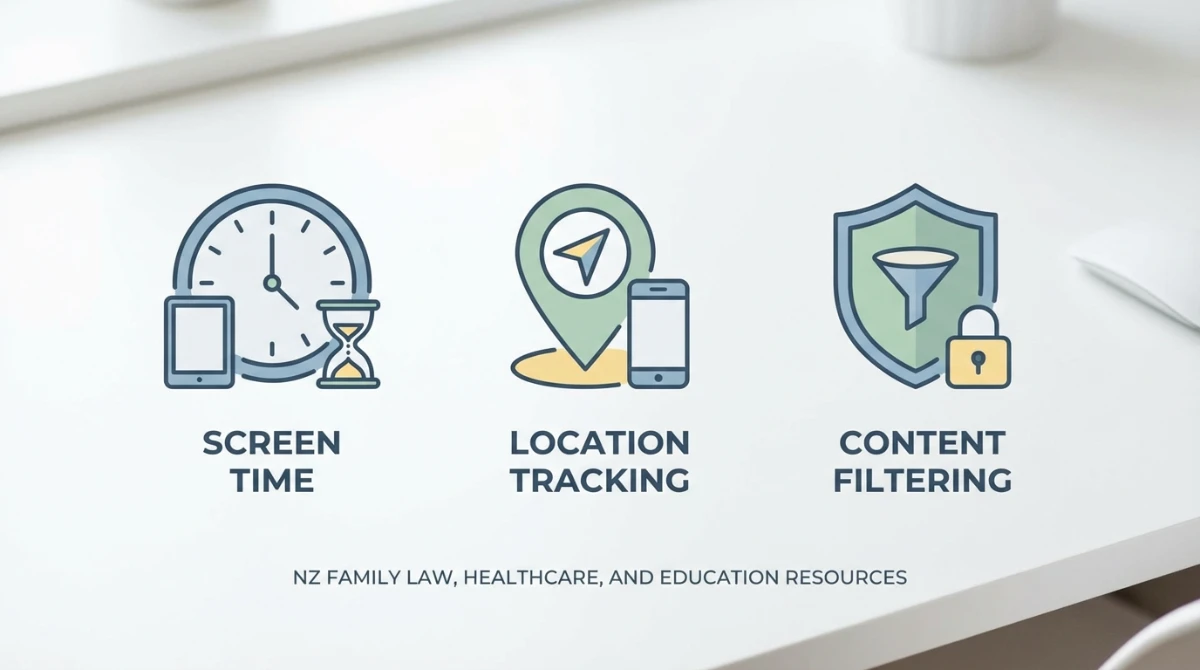
Understanding the legal landscape is essential for anyone looking for the best parental control apps nz. The primary legislation governing this area is the Harmful Digital Communications Act (HDCA) 2015. This act aims to deter, prevent, and mitigate harm caused by digital communications and provide a quick and efficient means of redress for individuals who have been harmed.
Parental control apps serve as a preventive layer that aligns with the HDCA. By monitoring for aggressive language or the sharing of sensitive images, these apps help parents intervene before a situation escalates to a legal level. Furthermore, the role of the Classifications Office in New Zealand ensures that content is rated appropriately; many parental control apps allow you to sync your filtering levels with these official NZ ratings.
Integration with the NZ Education System
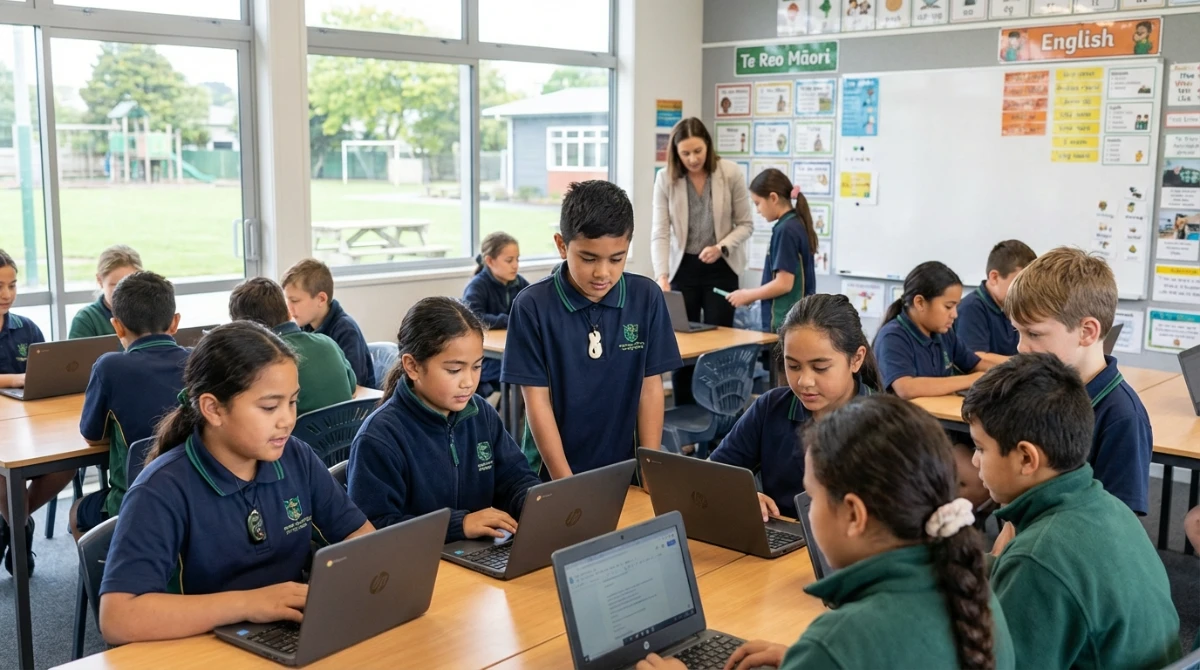
Many New Zealand schools operate under a “Bring Your Own Device” (BYOD) policy. This presents a unique challenge for parents who want to ensure their children are using their devices for learning rather than distractions during school hours. The best parental control apps nz offer “School Time” settings, which allow parents to disable games and social media while leaving educational apps and research tools active.
Collaboration with teachers and school IT departments is encouraged. Some NZ schools use specific management software like Linewize or Family Zone, and choosing a consumer app that complements these school-side systems can provide a 24/7 safety net for students.
Digital Well-being: A Healthcare Perspective
From a healthcare standpoint, the use of parental control apps is closely linked to the mental and physical health of young New Zealanders. Excessive screen time has been linked to increased rates of myopia, sedentary lifestyles, and sleep disturbances among Kiwi youth. The best parental control apps nz include features to enforce “Blue Light” filters and hard shut-off times at night.
The Ministry of Health often emphasizes the importance of sleep hygiene. By using these apps to automatically lock devices at 8:00 PM, parents can ensure that the biological clocks of their children are not disrupted by late-night scrolling. This proactive approach to digital health is a cornerstone of modern pediatric recommendations in NZ.
Step-by-Step Implementation Guide
Setting up the best parental control apps nz doesn’t have to be a technical headache. Follow these steps to secure your household:
- Audit Your Devices: List all smartphones, tablets, and computers used by your children.
- Choose Your Software: Select an app from our reviewed list (e.g., Qustodio or Bark) and purchase a subscription that covers your total device count.
- Install the Admin App: Put the parent version of the app on your own phone first.
- Configure the Child Profiles: Set up individual profiles based on age. A 7-year-old in Dunedin needs very different restrictions than a 15-year-old in Hamilton.
- Install the Child App: Download the software onto the children’s devices and grant necessary permissions (Accessibility, Device Admin, etc.).
- Test the Geofencing: Set up “Safe Zones” for home, school, and extracurricular activities to ensure the GPS tracking is accurate.
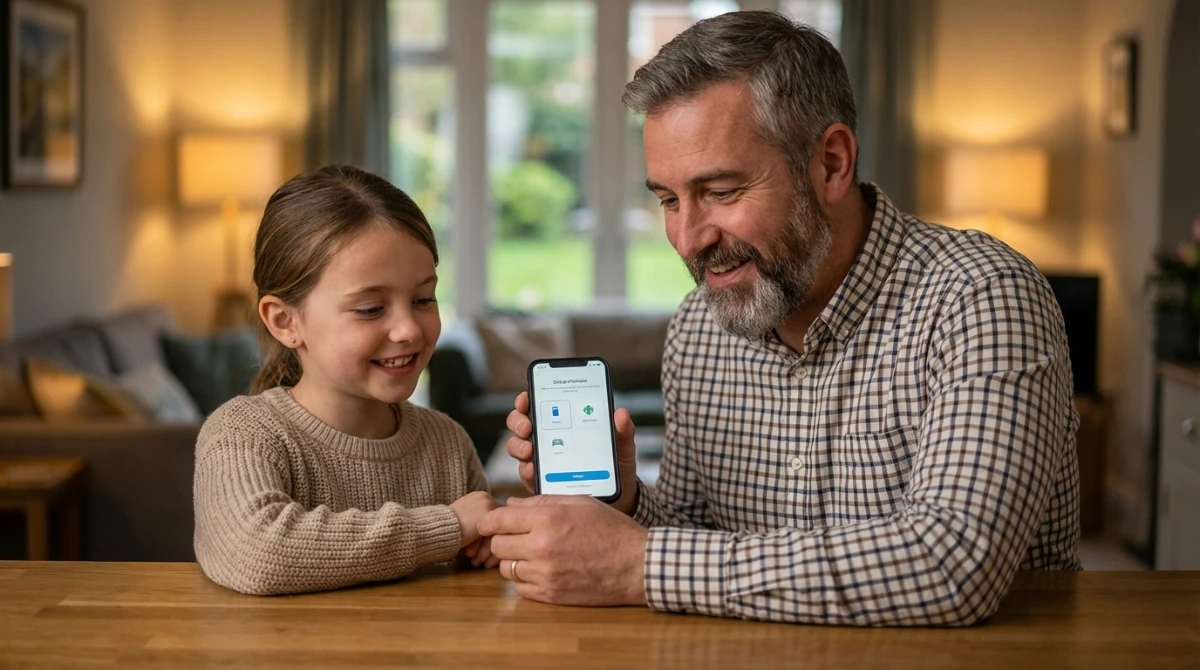
- Discuss the Rules: Sit down with your children and explain why the app is there. Frame it as a safety tool, like a seatbelt or a bike helmet.
Final Thoughts and Key Takeaways
Securing your child’s digital future requires a combination of the right technology and open communication. While finding the best parental control apps nz provides the technical barrier needed against the darker corners of the web, it is the guidance of a parent that truly teaches a child how to be a responsible digital citizen. As the internet continues to evolve, staying informed and utilizing these high-authority tools will ensure that Kiwi families remain safe, connected, and empowered.
Key Takeaways for Kiwi Parents:
- Proactive Protection: Don’t wait for a negative incident to occur; install protection early.
- Local Relevance: Ensure your chosen app works with NZ networks and complies with the Privacy Act 2020.
- Balance: Use monitoring tools to supplement, not replace, active parenting and conversations about online ethics.
- Education: Leverage apps to support BYOD school policies by managing distractions during study hours.
- Health First: Utilize screen time limits to promote better sleep and physical activity.
